Xero Integration
Connect Xero to Brixx to import actuals, build a ready-made model, and keep forecasts accurate with one-click refreshes.
No finance background needed
You don’t need to be a spreadsheet wizard to build a long-term monthly cash flow projection.
Use your real numbers to plan the future
Xero shows what happened. Brixx helps you decide what happens next.
Pull actuals from Xero to avoid starting from a blank plan.
Turn your chart of accounts into a structured model automatically.
Compare actuals vs forecast to spot gaps early.
Run “what if” scenarios without breaking your accounting setup.
Refresh Xero actuals on demand for up-to-date reporting.
Cashflow 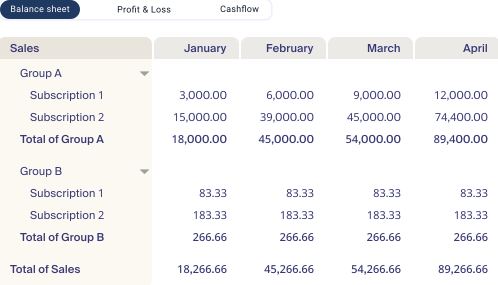
Use your real numbers to plan the future
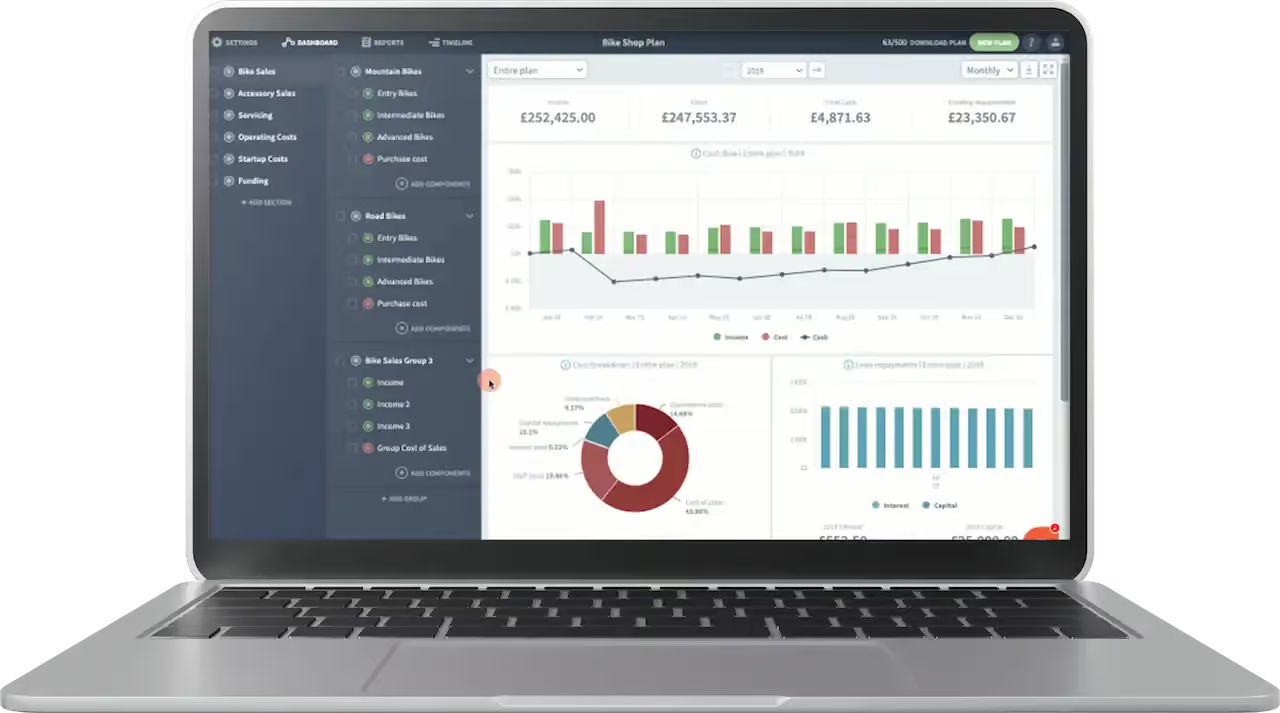
After connecting, Brixx imports your data and builds a starting structure, so you can move straight to forecasting.
Automatic import of historical Xero data.
Mapping from Xero accounts to Brixx building blocks.
A forecast starting point based on your past results.
A clean link between forecast lines and Xero actuals for comparison.
Cash Flow 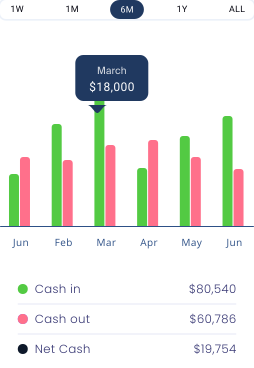
Cash in 
Cash out
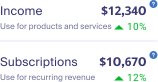
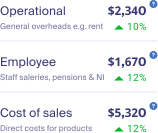
Use your real numbers to plan the future
Xero shows what happened. Brixx helps you decide what happens next.
Pull actuals from Xero to avoid starting from a blank plan.
Turn your chart of accounts into a structured model automatically.
Compare actuals vs forecast to spot gaps early.
Run “what if” scenarios without breaking your accounting setup.
Refresh Xero actuals on demand for up-to-date reporting.

Start using Brixx for free
Free for 7 days. No credit card required.
Answer real questions about your business:
- Scenario testing
- 10-year financial forecast
- Pre-built templates
- Xero integration
- Automated reports: P&L, balance sheet, cash flow, tax & more

Frequently asked questions
Any questions? We’re always here to help
You authorise the connection through Xero’s standard secure login — the same OAuth process Xero uses for all its connected apps. Brixx never sees or stores your Xero password.
Brixx imports your chart of accounts and historical monthly figures so it can build a starting model. It doesn’t pull invoice-level detail or customer records — only the figures needed to forecast from.
No. The integration is read-only. Brixx pulls data out of Xero to build your forecast, but never writes anything back into your accounts.
As often as you like. Most users refresh monthly when their books are reconciled, but you can pull updated actuals on demand whenever you need a current view.
Yes. Brixx suggests a mapping based on your chart of accounts, but you can rename, regroup, or move components at any point to match how you actually think about your business.
Yes. If you manage more than one company in Xero, you can connect each one to a separate Brixx plan — useful for accountants and group structures.