How to Avoid Making a Mess of Cash Flow Forecasts in Excel

All articles
TL;DR:
- A cash flow forecast Excel model breaks most often through dragged formulas, broken cell references, mixed manual and calculated inputs, and no version control.
- Keep it clean by separating inputs from calculations, labelling everything, and reviewing the forecast on a regular schedule.
- Once your spreadsheet grows past a handful of tabs, purpose built software removes the manual risk and generates reports automatically.
To avoid making a mess of your cash flow forecast Excel model, keep inputs and calculations on separate sheets, avoid overwriting formulas, label every row, and rebuild your forecast on a rolling basis rather than to a fixed year end. A cash flow forecast Excel file is easy to start and surprisingly easy to break, so a little structure early on saves hours later.
A cash flow forecast is a projection of the money moving into and out of your business over a set period. It shows whether you can cover wages, suppliers and tax when they fall due. Below we walk through the traps that quietly wreck a spreadsheet and how to keep yours reliable.
Why cash flow forecasts in Excel go wrong
Excel is flexible, familiar and free with most office software, which is why so many businesses reach for it first. That same flexibility is the problem: nothing stops you from typing over a formula, deleting a linked cell or copying a total into the wrong month.
Formula dragging errors
Say January’s inflows sit in a cell as =SUM(B2:B10). Drag that formula sideways to fill the rest of the year and Excel shifts the range for each month. That is usually what you want, but if your layout is not consistent, the range slips and you end up summing the wrong rows. The result looks plausible, which is exactly why it goes unnoticed.
Broken references and hidden links
When you insert or delete a row, formulas that point at fixed cells can drift or return an error. Worse are links to other workbooks: move or rename a file and half your figures turn to #REF!. Our guide on avoiding a mess with cash flow forecasts in Excel covers these pitfalls in more detail, and they all share one cause: the model relies on you remembering the plumbing behind it.
Mixing inputs and calculations
The single most common mistake is typing hard numbers directly on top of cells that should calculate. Once a manual figure and a formula live in the same column, no one can tell which is which. A month later you have no idea why a total no longer adds up.
How to keep your cash flow forecast Excel model clean
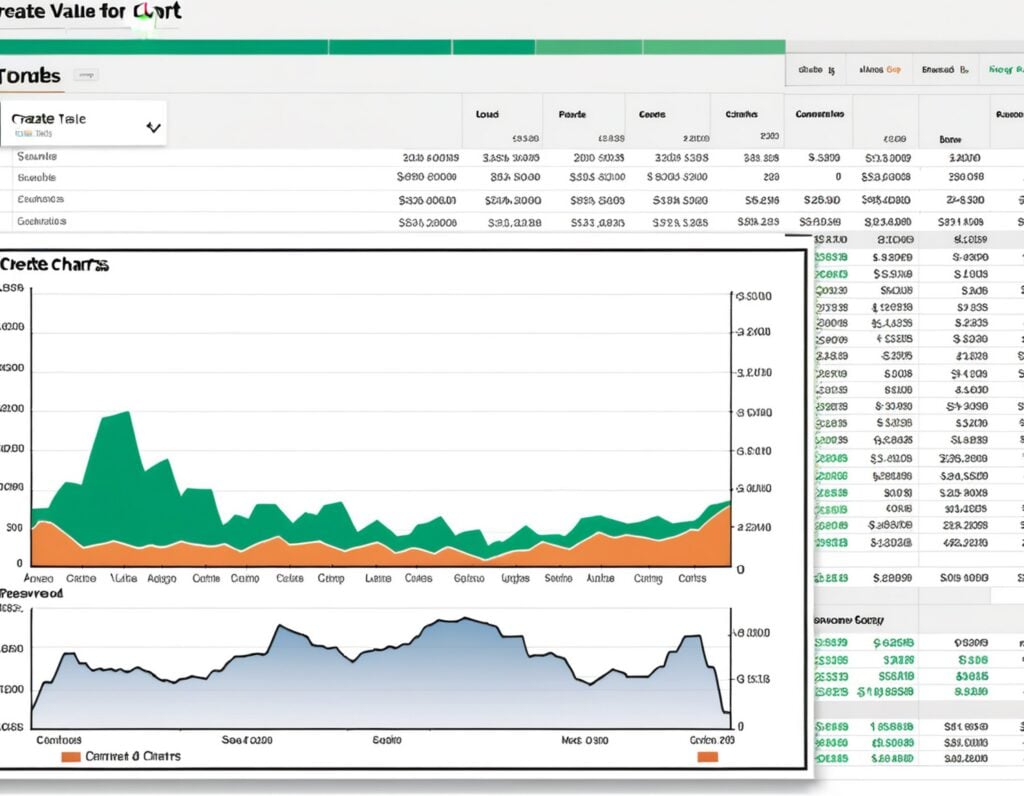
Good spreadsheet discipline is not complicated. It comes down to structure, labelling and a routine.
Separate your inputs from your calculations
Keep every number you type by hand on one sheet, and every formula on another. Your assumptions (sales growth, payment terms, costs) go in the input sheet. Your cash flow forecast report then pulls from those inputs. When something needs changing, you change it in one place and the whole forecast updates.
Label everything and lock what should not move
Give every row a clear label and every sheet a sensible name. Use Excel’s cell protection to lock formula cells so they cannot be typed over by accident. Colour coding inputs differently from calculated cells is a quick visual cue that saves mistakes.
Build a rolling forecast, not a fixed one
A fixed forecast runs to a set end date, such as your financial year end, so the window you are planning against keeps shrinking. A rolling forecast continuously extends the horizon, so you always have a full forward view. Rebuilding a rolling model by hand in Excel is tedious, which is why many businesses skip it. Understanding the 13 week cash flow forecast is a good starting point for short-term visibility before you extend further out.
Version control and regular review
Save dated copies before any major change so you can roll back if something breaks. Then compare your forecast against actuals often. Large gaps between forecast and reality, or repeated surprises in your bank balance, are signs you are not reviewing frequently enough. This matters even more for a small business, where the importance of cash flow forecasting can be the difference between coping with a slow month and running out of cash.
When Excel stops being the right tool
Excel is fine for a simple, short forecast. The trouble starts as the model grows: more tabs, more links, more manual entry and more room for silent errors. If your income is lumpy or subscription based, the complexity climbs faster still.
Signs you have outgrown the spreadsheet
- You spend more time maintaining the file than reading what it tells you.
- Only one person understands how it works.
- You avoid testing scenarios because it might break the formulas.
- You are copying figures between the cash flow, profit and loss and balance sheet by hand.
Businesses with variable revenue often feel this first. Our tips on forecasting cash flow with an irregular income and cash flow forecasting for SaaS businesses show how quickly assumptions multiply once payments do not arrive on a neat monthly cycle.
What software does that a spreadsheet cannot
Financial forecasting software like Brixx lets you add components such as sales, staff and property to a plan, drag them forward or backward in time, and then generates the cash flow forecast, profit and loss and balance sheet automatically. You can explore what-if scenarios without breaking a single formula, and extend your plan up to 10 years ahead. There are no cell references to protect and no risk of typing over a total.

Build cash flow forecasts without the spreadsheet mess
Get started with our forecasting software so that you can plan your business' future
Start your free trial todayGetting started the right way
If you are staying in Excel for now, start from a clean, well structured file rather than an old one full of patched formulas. A tidy cash flow statement template for Excel gives you a solid base to build on.
A simple checklist before you begin
- Decide your period and whether you are running a fixed or rolling forecast.
- List your assumptions on a separate input sheet.
- Lock and label your formula cells.
- Diarise a regular review against actuals.
Whether you use a spreadsheet or software, the goal is the same: a forecast you trust enough to make decisions from.